Collect screenshots of the board
Plan. Move. Get things done.
Project and task planning with a Kanban board. Works entirely offline and syncs between your devices through your own Nextcloud. No subscription, no paywall, no account with anyone.
Backlog
Write the download section
Check contrast in dark mode
In progress2/2
Draft the new start page
Pick the type scale
Done
Register the domain
Agree on the colour palette
Yours, not ours
The data lives on your device and in storage you control. No account with anyone, nothing to cancel, nothing that changes terms tomorrow.
Offline is not a mode
Everything works without a network — the local database is the truth, not a cache. Syncing is something you add, never something you need.
Conflicts cannot happen
Every change is an operation with a timestamp. Merging happens in the app, so two devices editing at once cannot collide by construction.
A look inside
Built to be lived in
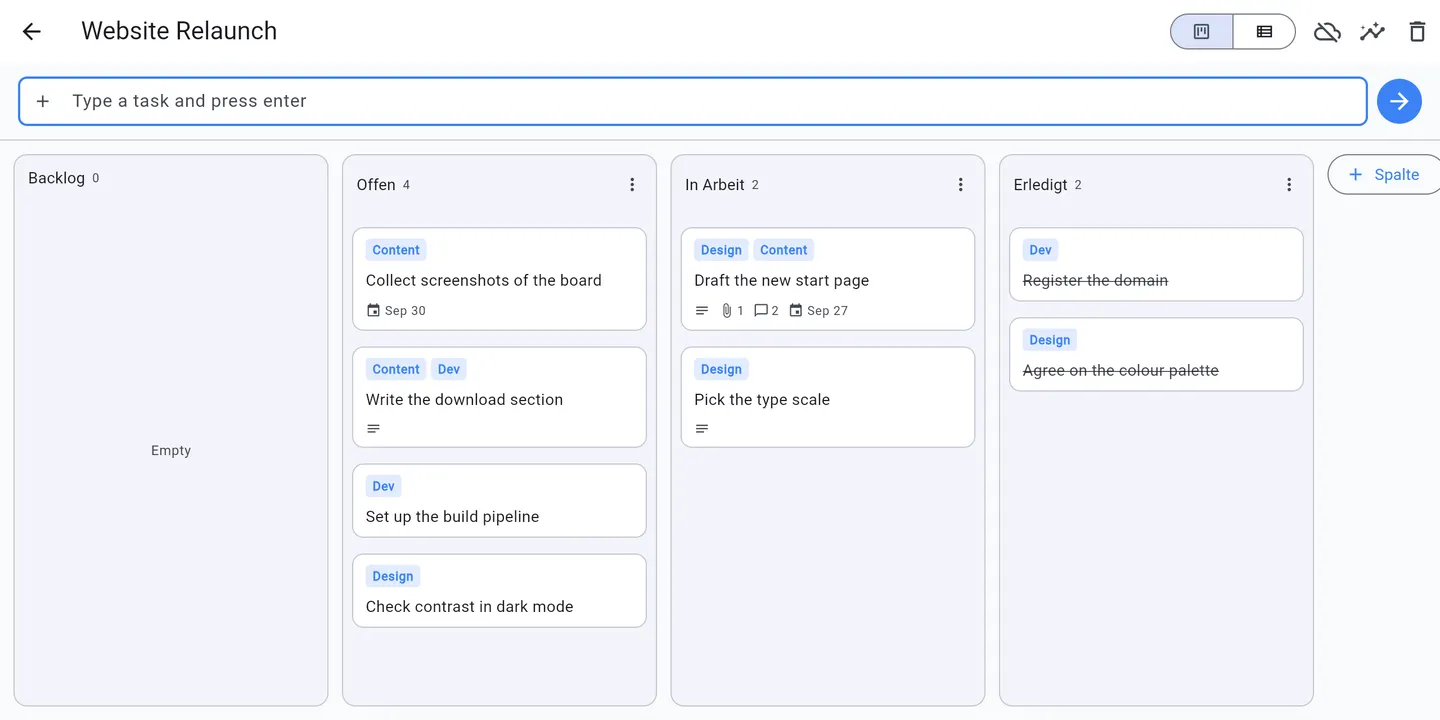
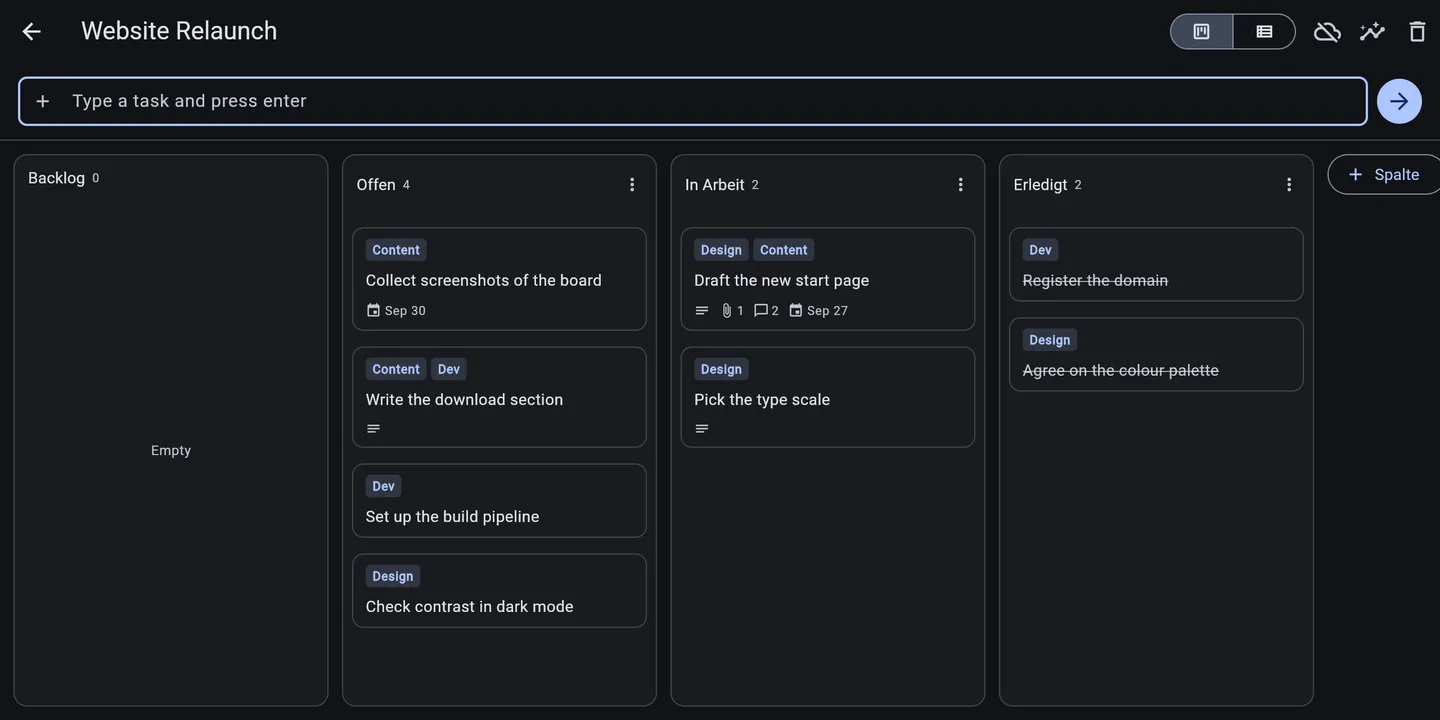
The board
The list
The board
Columns you name yourself, drag and drop, and a WIP limit when a column should hold only so much.
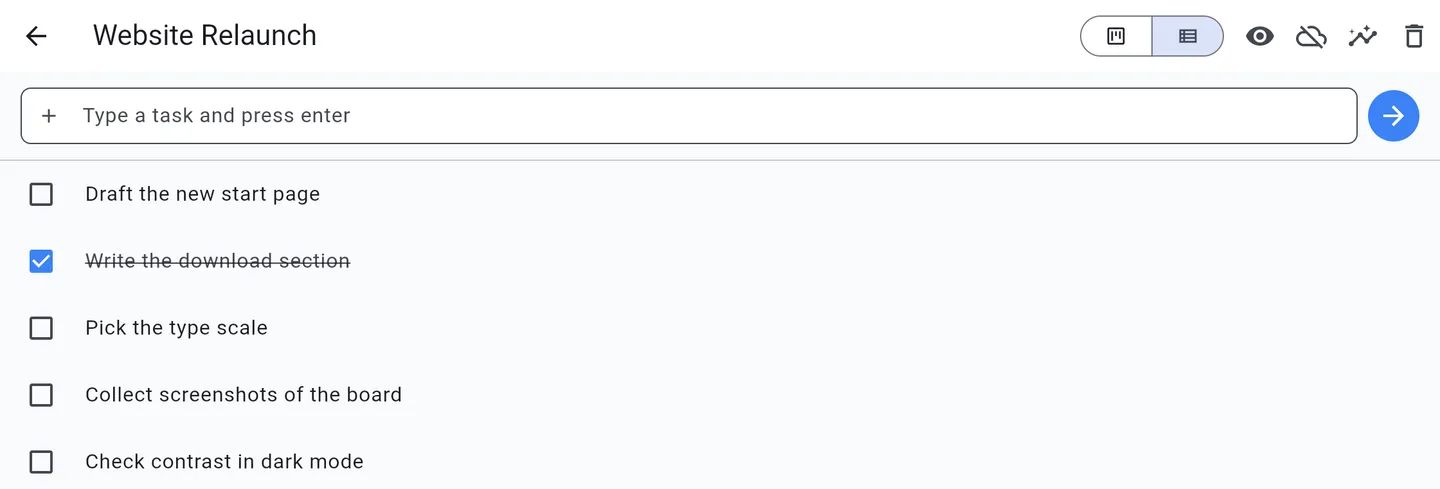
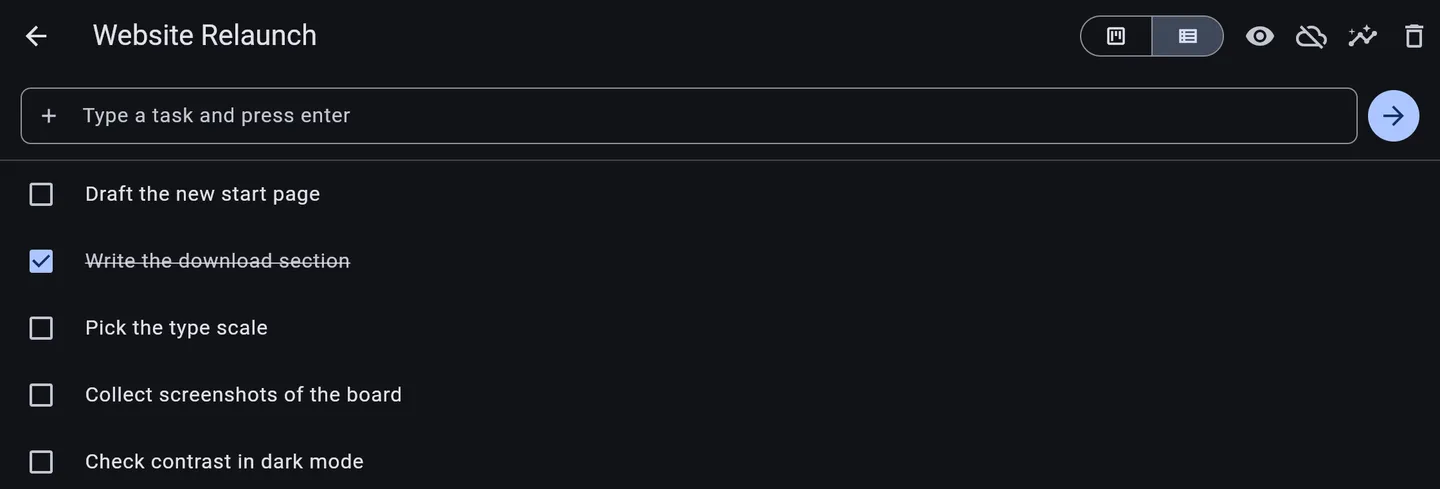
The list
The same tasks without the columns, for when a board is more than the work needs.
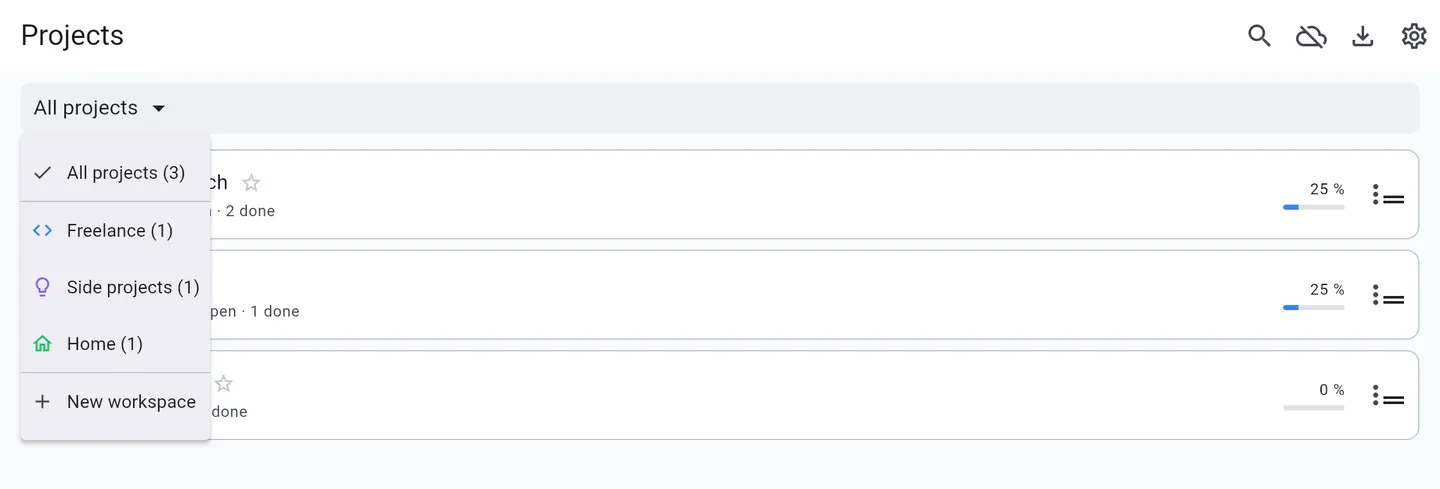
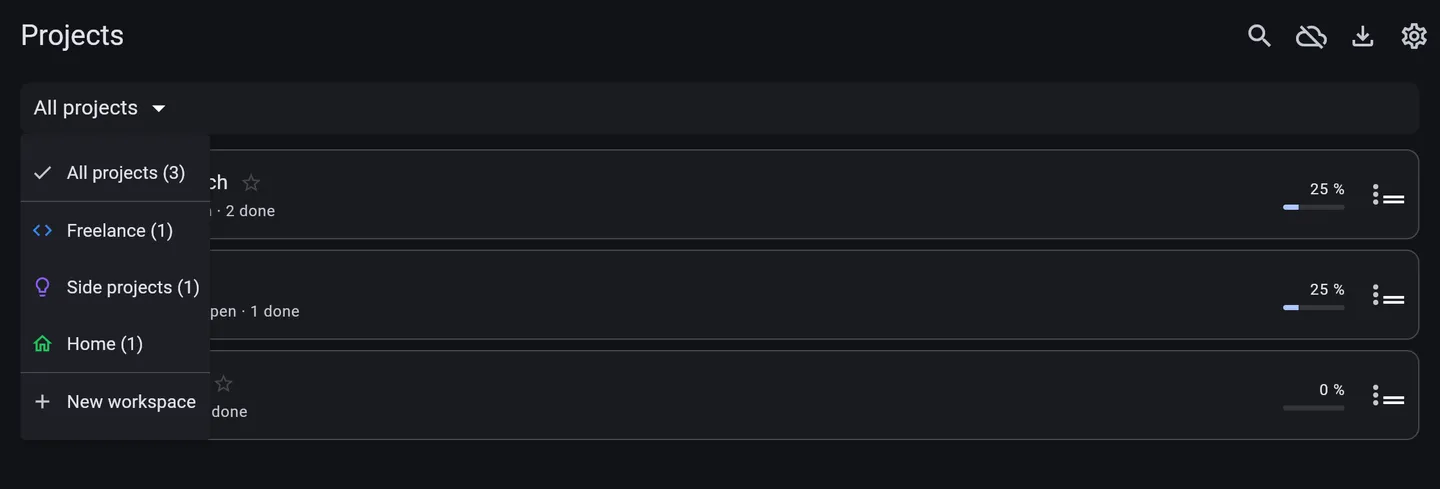
Projects, grouped your way
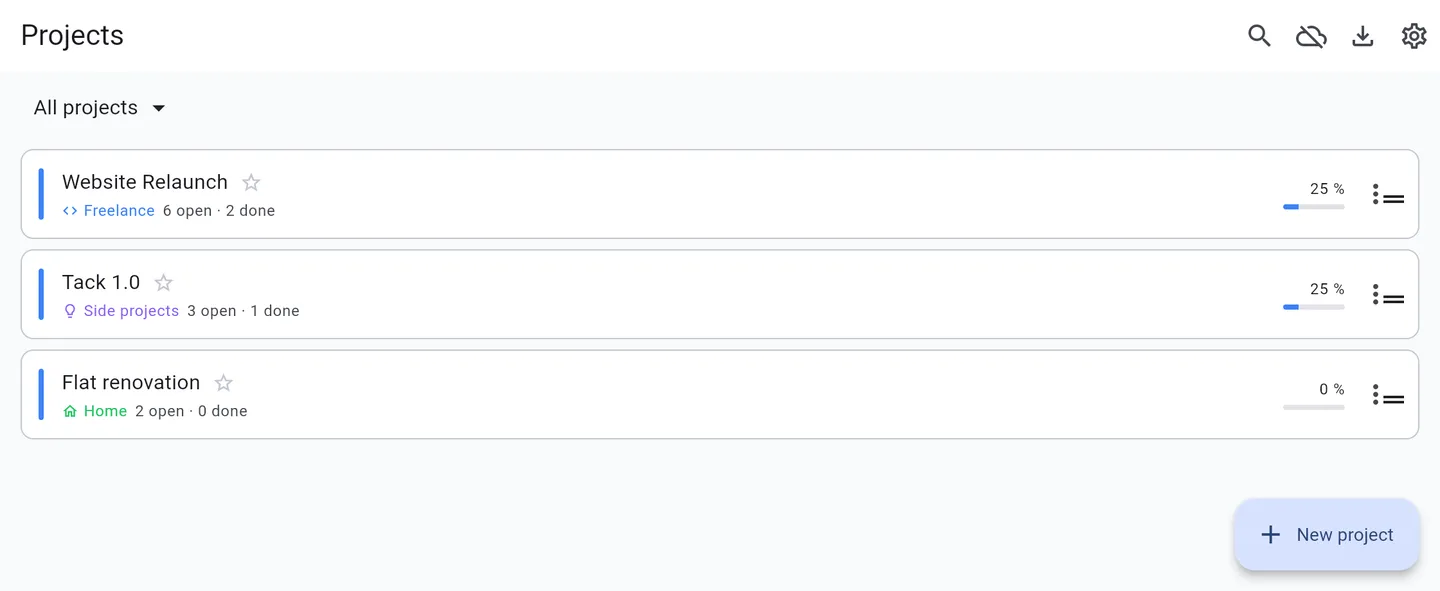
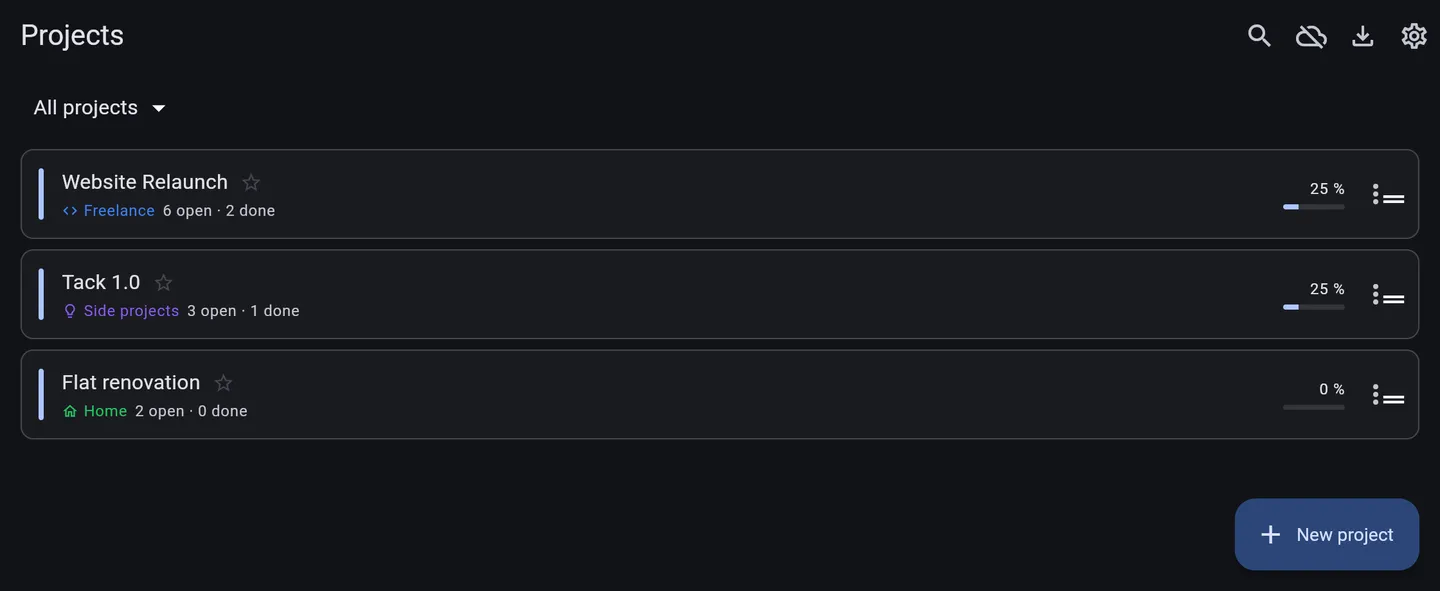
Switch between them
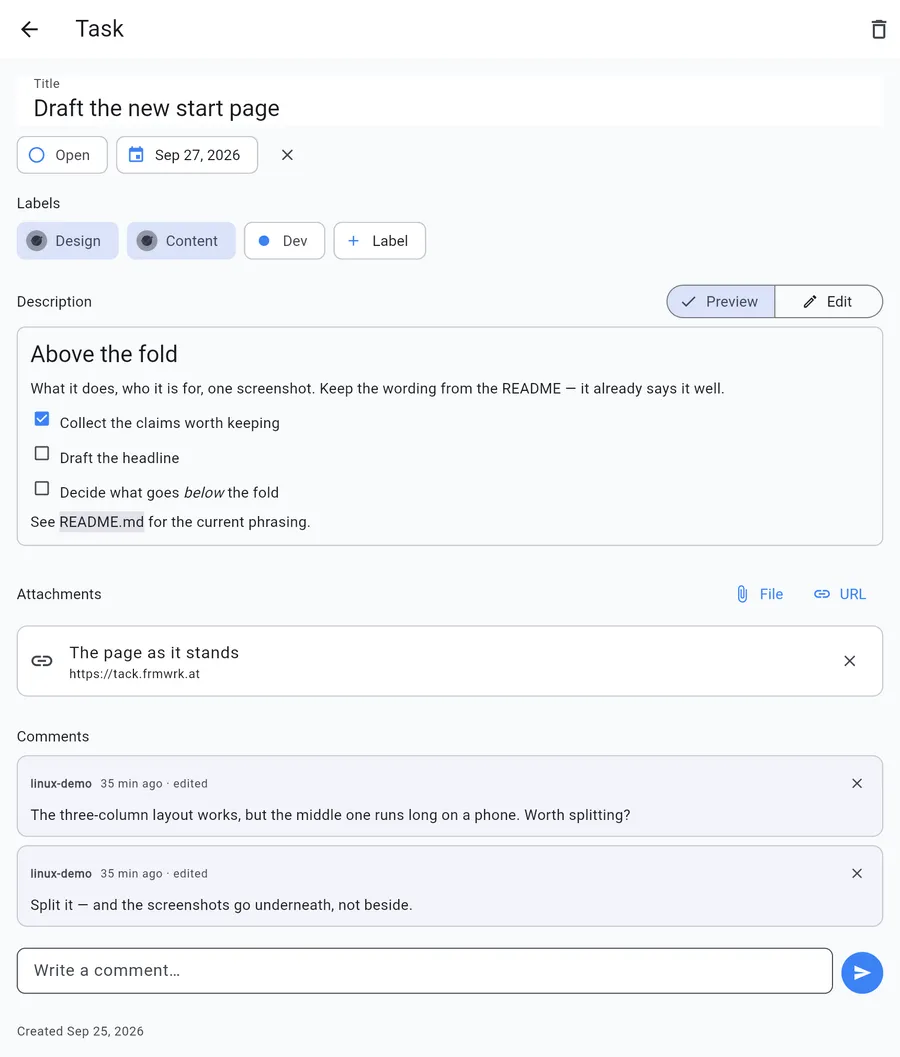
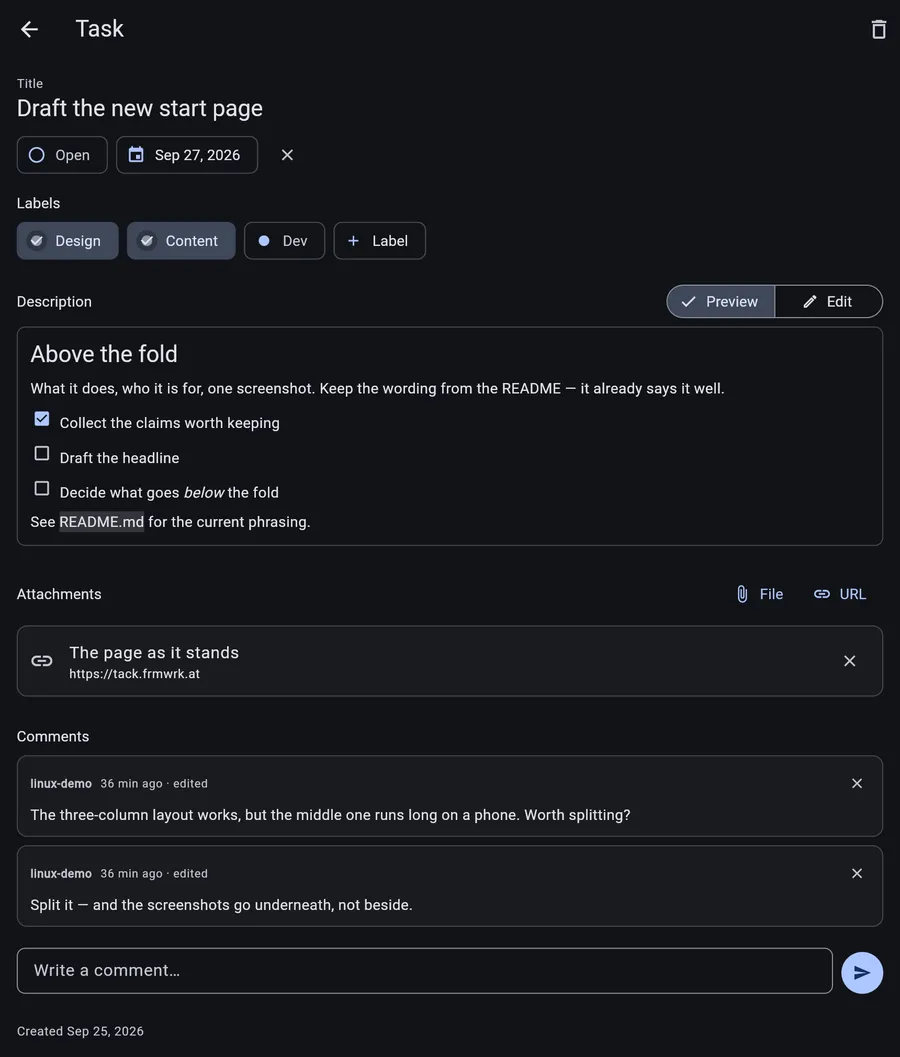
Everything on one task
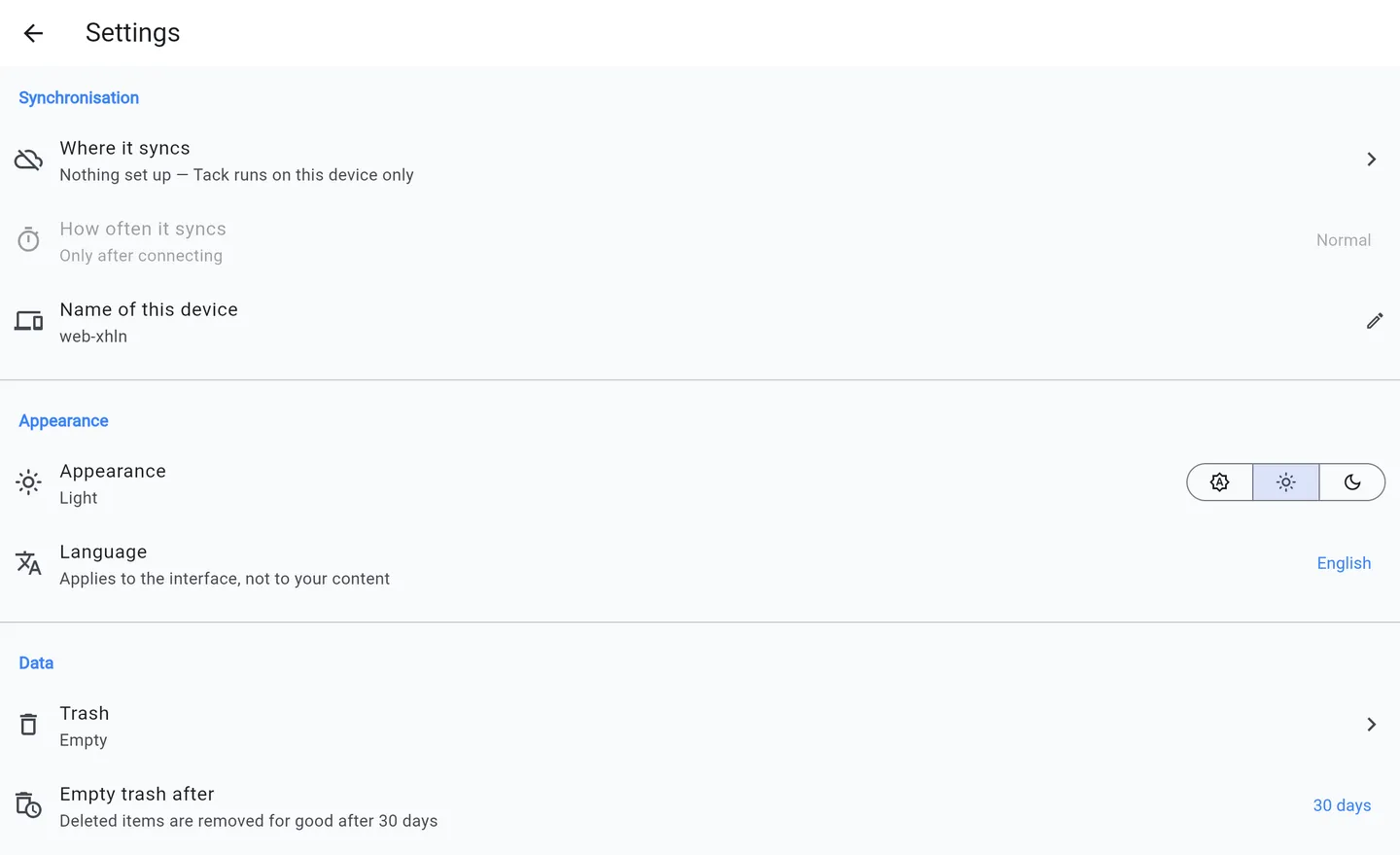
Settings worth reading
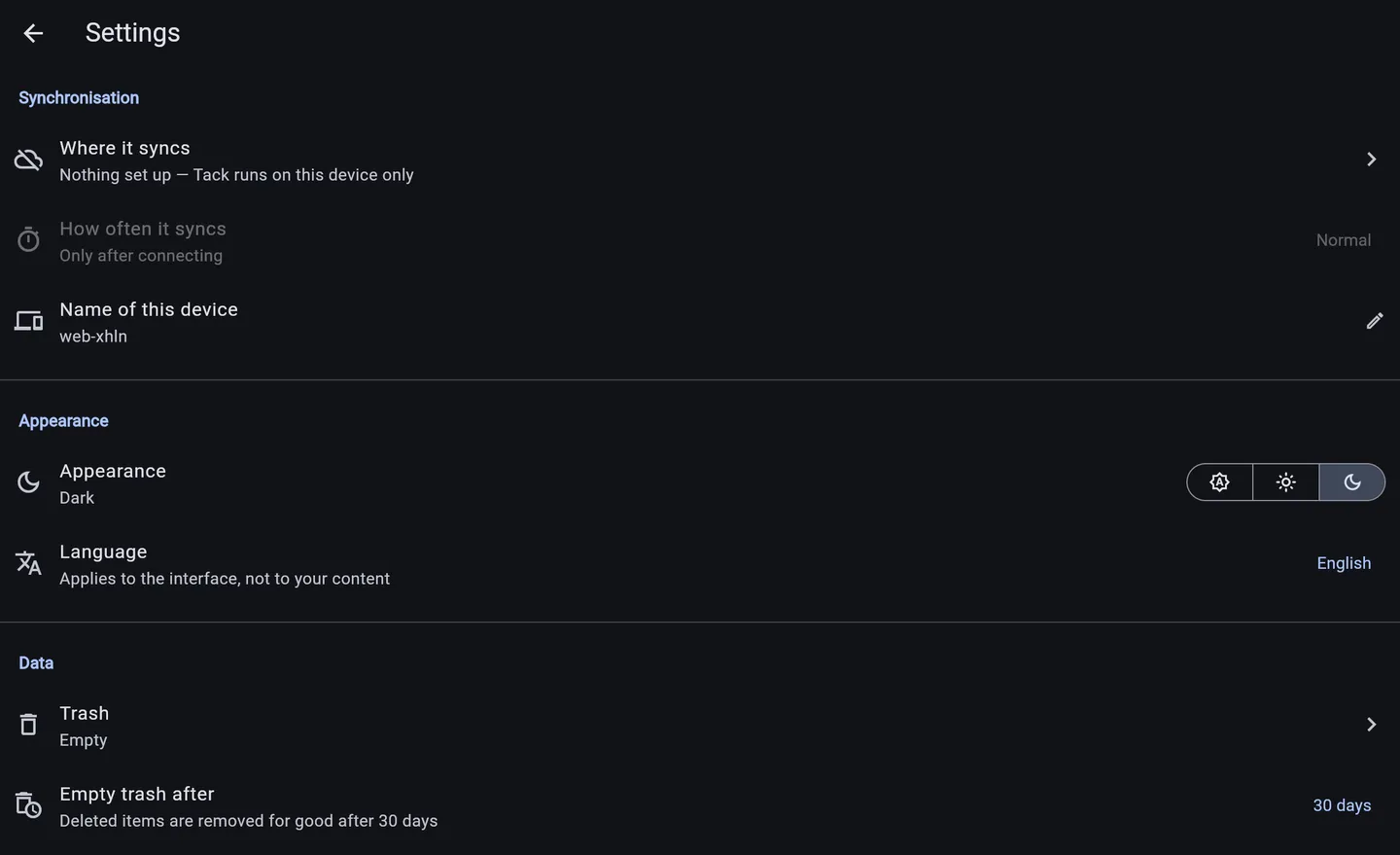
What it does
Everything a plan needs, nothing it doesn't
Plan
Workspaces
Group projects however suits you, under names you pick yourself — each with its own colour and icon.
Projects
With colour, description and archive.
Tasks
A markdown description that renders as you wrote it, a status, a due date and as many labels as the work needs.
Kanban board
Freely configurable columns, drag and drop, and WIP limits.
Work
List view and backlog
The same tasks without the columns, for when a board is too much.
Attachments
Files and links, kept with the task rather than in a folder somewhere else.
Comments
A thread per task, so the reasoning stays next to the work it is about.
Search
Across all projects, from anywhere, with one keystroke.
Trash
Thirty days of retention, so a wrong click is not the end.
Keep
Export and import
A plain markdown directory. Readable without Tack.
Report
Per project, copyable as markdown.
Sync over WebDAV
Your own Nextcloud or ownCloud. No extra service.
English and German
Follows the system, or set by hand.
Keyboard
n for new, / to search, Esc to close.
How syncing works
A folder is enough
Every change is an operation with a timestamp, not a new state. Merging happens in the app, never at the storage service — which is why a dumb file store is enough, and why conflicts cannot arise by construction.
Tack/<project-id>/
├── ops/
│   ├── linux-a1b2/000001.crdt     only this computer writes here
│   └── android-e5f6/000001.crdt   only this phone writes here
└── blobs/<hash[0:2]>/<hash>       attachments, content-addressed
Every device only creates new files in its own folder and never modifies an existing one. The server therefore never sees two writers on the same path. What appears in the app is the sum of all devices.
Download
Version 1.0.0
Android
Signed with a debug key for now, so Android asks once for permission to install from this source.
Windows and macOS
The app builds for both; packaged installers are still to come.
In a browser
The same app builds for the web, and everything you plan with works there. Syncing does not: a browser is not allowed to talk to a Nextcloud at all, so the web build either stays on that one machine or syncs through Tack Cloud. Files cannot be attached there either, only links.
Tack Cloud
Sync without running a server
If you would rather not run a Nextcloud of your own, you will be able to leave syncing to us: updates the moment they happen instead of on a timer, storage for attachments. End-to-end encrypted, so we store the packets without being able to read them.
And even then you are not cornered: what you would pay for is us running it, not the software. The service is free to host yourself, and the app stays complete and free either way.
Nothing is held back
No feature is withheld to make this worth buying. Syncing through your own Nextcloud is the complete product. Two things, though, a file store cannot do — and those are what the service is for.
- Changes the moment they happenWebDAV cannot tell an app that something changed, so Tack has to ask, and every question is an HTTP request — about 190 ms against a real Nextcloud, nearly all of it waiting. The service keeps a connection open and says when there is something new.
- Attachments in the browserA browser gives an app nowhere dependable to keep a file, and Nextcloud will not let a web page read one directly. Through the service an attachment is fetched when you open it, so the browser never has to store anything.
In progress
Syncing already works end to end between two devices — sign-in, encryption, keys that travel between devices, realtime updates. What is missing before it is something you can buy is billing, quotas and running it reliably for other people.
What it does not do
Deferred, not dropped — but not there today.
- Shared boards, roles and permissions
- Time tracking, estimates and burndown charts
- Recurring tasks, reminders and notifications
- Calendar view and CalDAV
- Import from Jira, Trello or Asana
- A browser client, and iOS
- Full-text search inside attachments